prompt topic
Motion design prompts
Answer in brief
A motion design prompt works when every movement has four things: a trigger, the property that changes, a duration in seconds and an easing curve. "Smooth animation" has none of them, so the model falls back on a 0.3 second fade for everything.
Say what stays still as well. Motion reads when most of the screen is at rest, and an explicit "nothing else moves" is the line that keeps a tool from animating every element on load.
Write motion like a shot list
Number the beats. For each one: what starts it, what moves, from which value to which, how long it takes and how it eases. "On click, the card grows from 320 × 200px to 640 × 480px over 0.45s with cubic-bezier(0.2, 0.8, 0.2, 1), and the title moves with it" can be built exactly. "The card expands nicely" cannot.
When beats overlap, give the offsets. A list whose rows enter 40 milliseconds apart feels different from one whose rows enter together, and the difference is one number.
Choose easing on purpose
Easing is the character of a movement. Things that enter should slow into place, so use an ease-out curve. Things that leave can speed up and take less time. A spring with a little overshoot suits something the user has just touched, and suits little else. Linear motion fits only continuous things, such as a spinner or a progress bar.
Write the curve as a cubic-bezier or describe the spring by its overshoot in pixels and how fast it settles. Named presets differ between libraries, so numbers travel better.
Pick the technique and the still version
Most UI motion needs only CSS transitions on transform and opacity, which browsers animate cheaply. Layout properties such as width and top cost more, so ask for transforms where the result looks the same. Effects made of many particles, or of pixels that react to the pointer, need a canvas, and the prompt should say so.
Then describe what a person who has asked for reduced motion sees. Usually that is the end state, reached with a short fade or at once. Describe the touch version too, for anything driven by a cursor.
What a motion design prompt should contain
- The beats, numbered, each with its trigger.
- What changes: the property and its start and end values.
- Duration and easing for each beat, as numbers.
- Offsets between overlapping beats.
- The technique: CSS transitions, the Web Animations API or a canvas.
- The still version: reduced motion, touch, and what does not move at all.
A prompt to start from
Build one interaction as a motion study: a grid of cards where a clicked card grows into a detail view and returns to its place on close. The subject is [e.g. six recipes]; content: [titles, captions, images].

Stack: Vite + React + TypeScript, plain CSS. Animate with CSS transitions and the Web Animations API on transform and opacity only. No animation library.

Look: page #f2efe8, text #1a1917. Cards 280 × 340px, radius 20px, in a 3-column grid with a 20px gap, centred. Each card is an image filling the top 220px, an 18px/600 title and a 13px caption in #7d786f. [Typeface].

Beats:
1. Hover: the card rises 4px and its image scales to 1.03 over 0.25s, ease-out.
2. Click: measure the card's rectangle. A detail panel, 720 × 560px and centred, starts at exactly that rectangle and animates to its final size and position over 0.5s with cubic-bezier(0.2, 0.8, 0.2, 1). The image and the title are the same elements throughout and travel with the panel; nothing cross-fades.
3. At the same time the other cards fade to 30% opacity and scale to 0.98 over 0.3s.
4. 0.2s after the click, the detail text (three 15px paragraphs and a round close button) rises 12px and fades in over 0.3s, each block 50ms after the last.
5. Close, by button, Escape or a click outside: the text fades out in 0.12s, then the panel returns to the card's rectangle in 0.38s with cubic-bezier(0.4, 0, 0.2, 1) and the grid returns to full opacity.

Nothing else on the page moves. Focus goes to the close button on open and back to the card on close.

Phones: one column of cards, and the detail fills the screen with 12px margins. With prefers-reduced-motion, the detail fades in over 0.15s with no travel.

Run it. Open and close every card, interrupt one half way, and check 390px and 1440px.
Written for this page as a starting point; swap the parts in [brackets] for your own. The full prompt of each uberdesigner template is longer and specific to one finished design, and it is tested by rebuilding the template from the prompt alone.
Motion pieces to start from
Finished motion studies and small effects on uberdesigner, each built around one behaviour. Six of these are free.
-
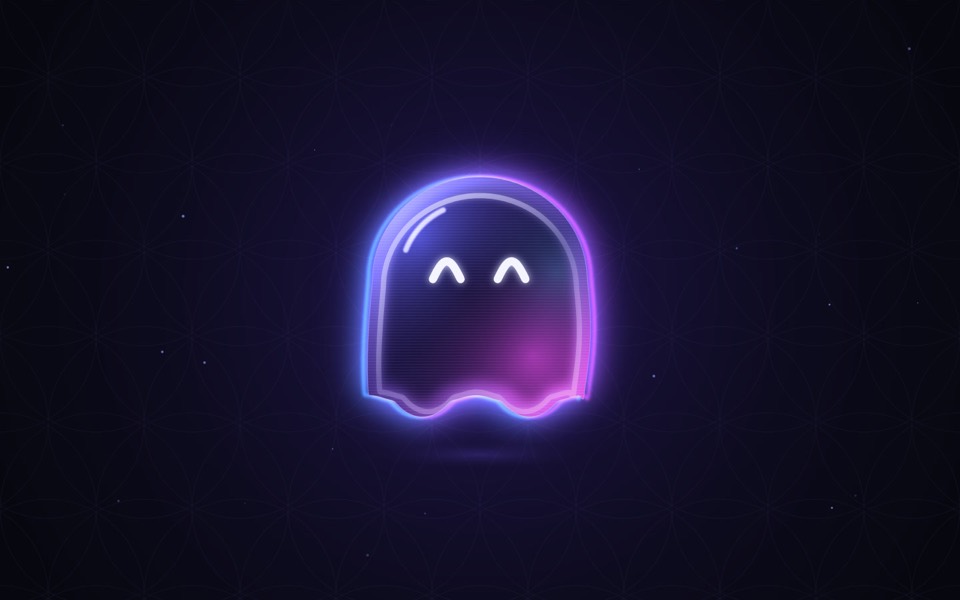
ghost buddy
A glowing glass ghost that follows your cursor and morphs its eyes into every mood.
copy its prompt on uberdesigner -
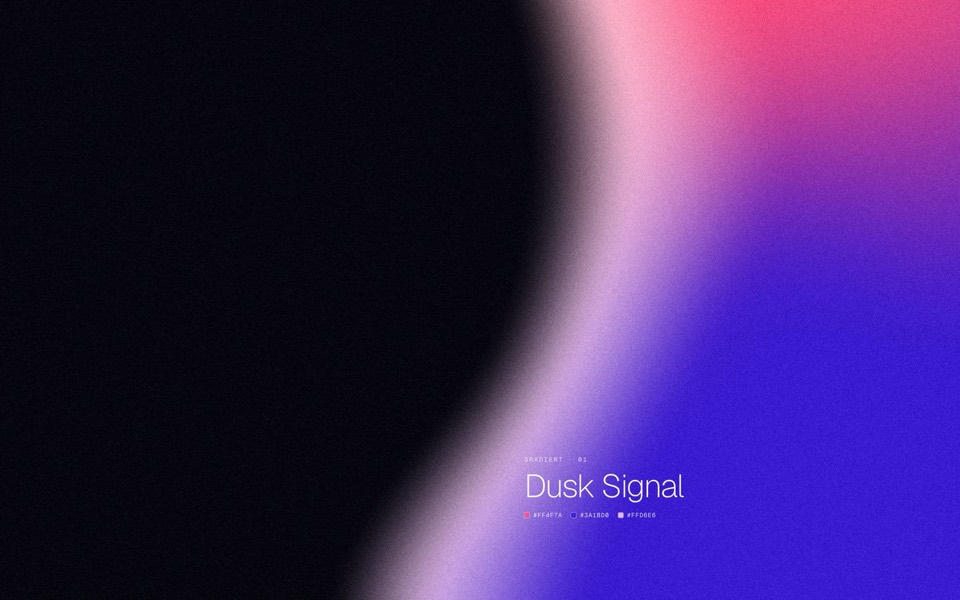
gradient forms
Five grainy gradient masses on a dark field, each a soft sculpted silhouette that breathes and morphs into the next.
copy its prompt on uberdesigner -
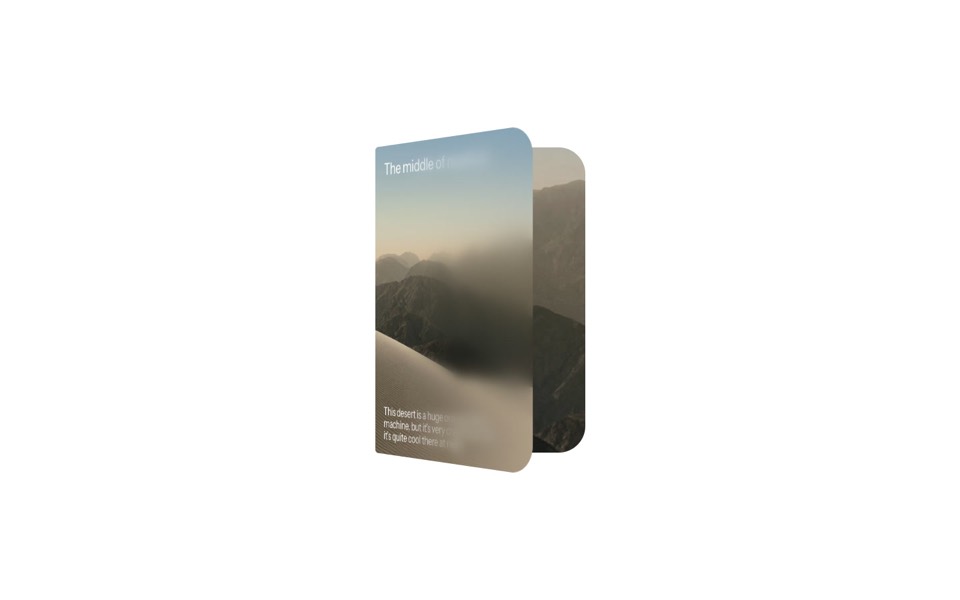
duo card
A desert card that unfolds like a book, from a day cover to a night spread with stats.
copy its prompt on uberdesigner -
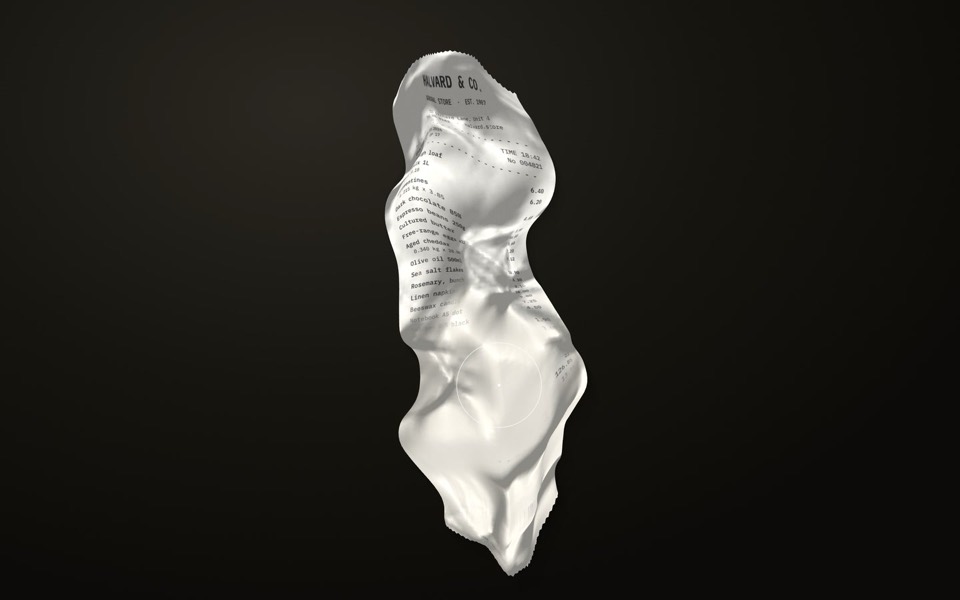
receipt study
A crumpled shop receipt on a dark desk: drag to smooth it out, scroll to read it, hold to warm the faded ink back.
copy its prompt on uberdesigner -
grainfall
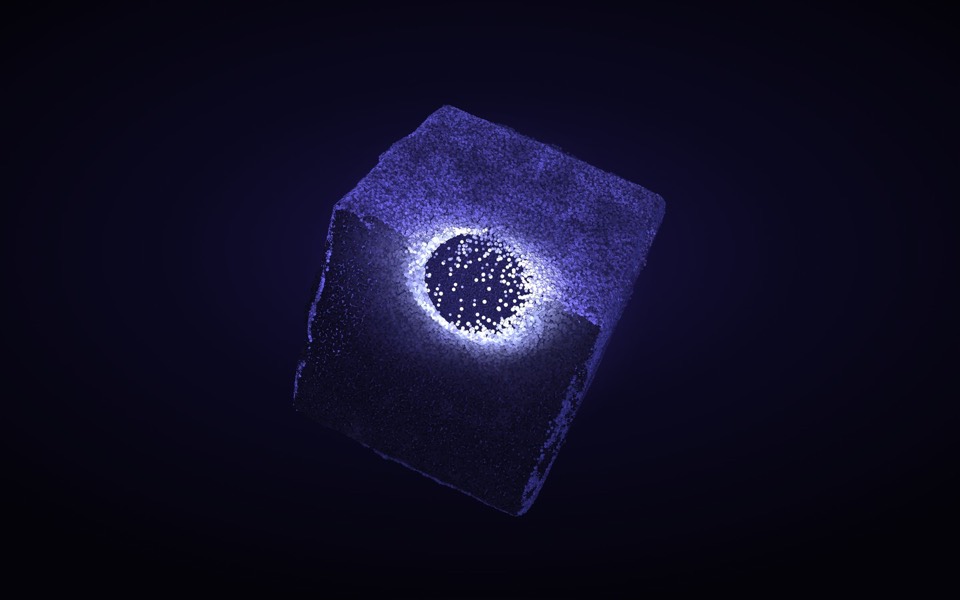
An eroded stone cube of 88,000 particles: hover lights and erodes it, click scatters it, drag turns it.
see it on uberdesigner -
cursor reel
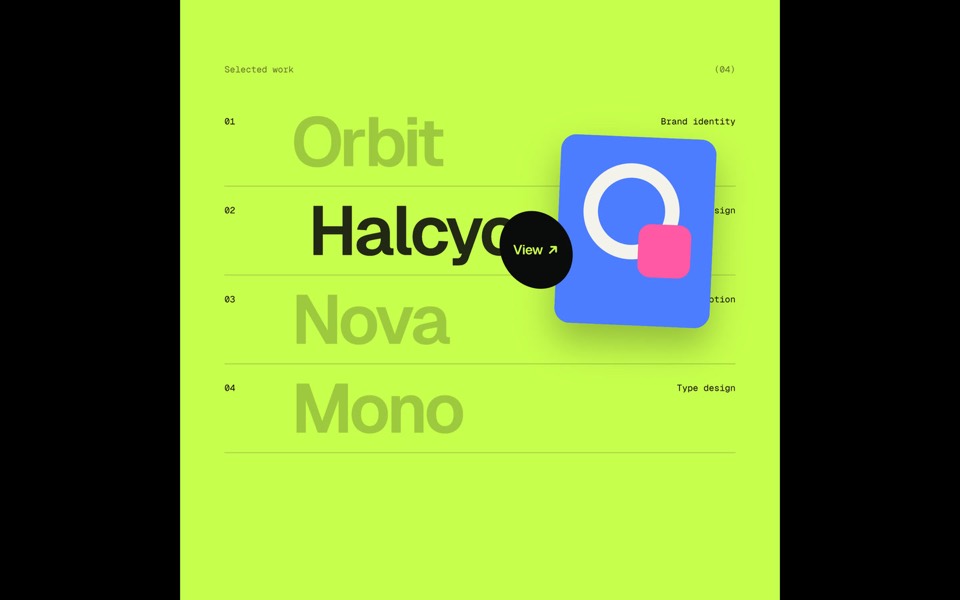
One custom cursor travels through five scenes and opens each next one itself, growing into a circle that reveals it: magnetic type, a View hover list, a DRAG gallery, a gooey magnet button and a winking smiley, in a 20-second loop.
see it on uberdesigner -
dot sketch
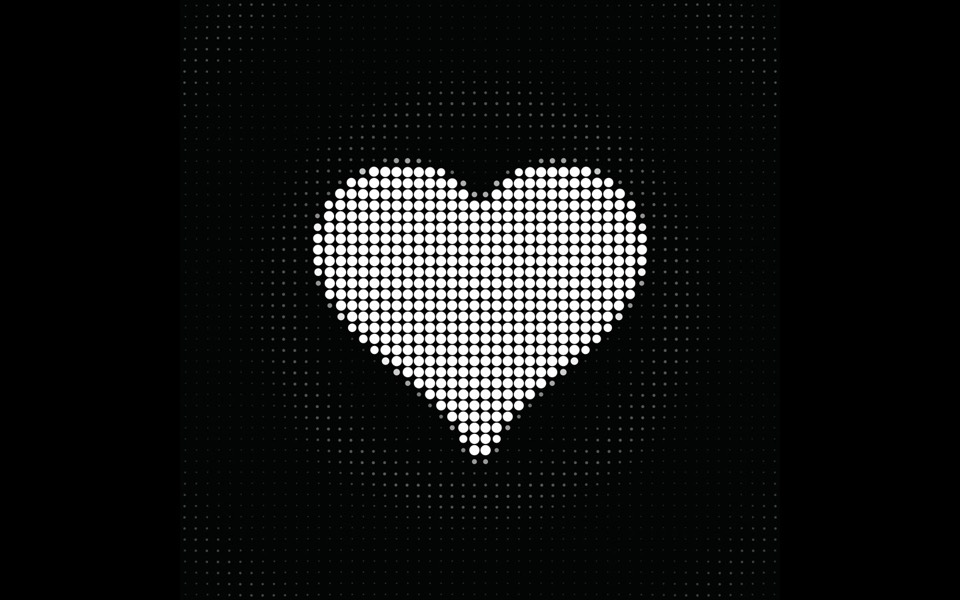
A field of white dots where a finger draws a rough heart, bolt and check, and each one snaps clean in place and reacts, on a 12-second loop.
copy its prompt on uberdesigner -
weight axis
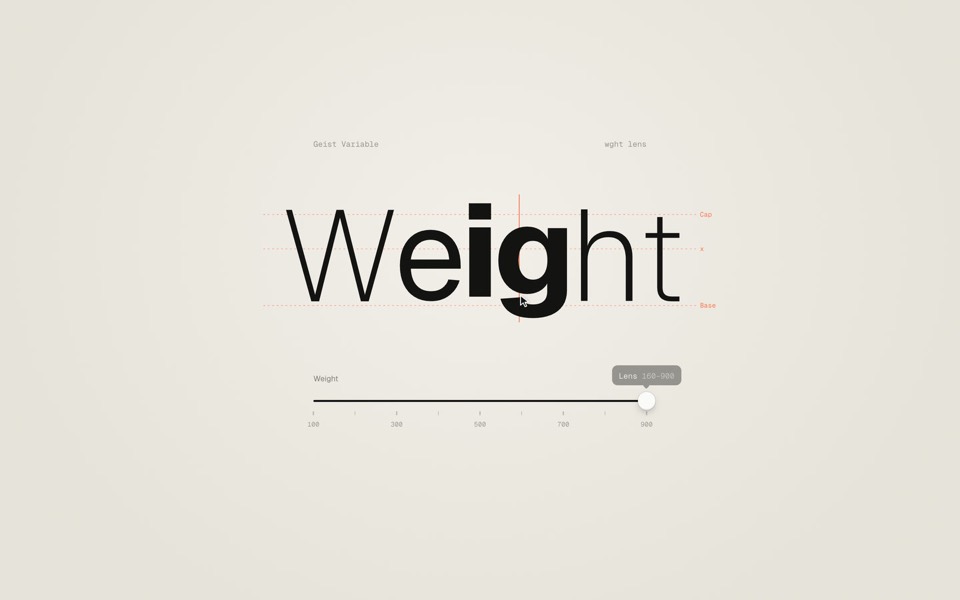
A big word on warm paper whose weight follows a slider from Thin to Black, then a lens that makes only the letter under the cursor heavy.
copy its prompt on uberdesigner -
theme pour
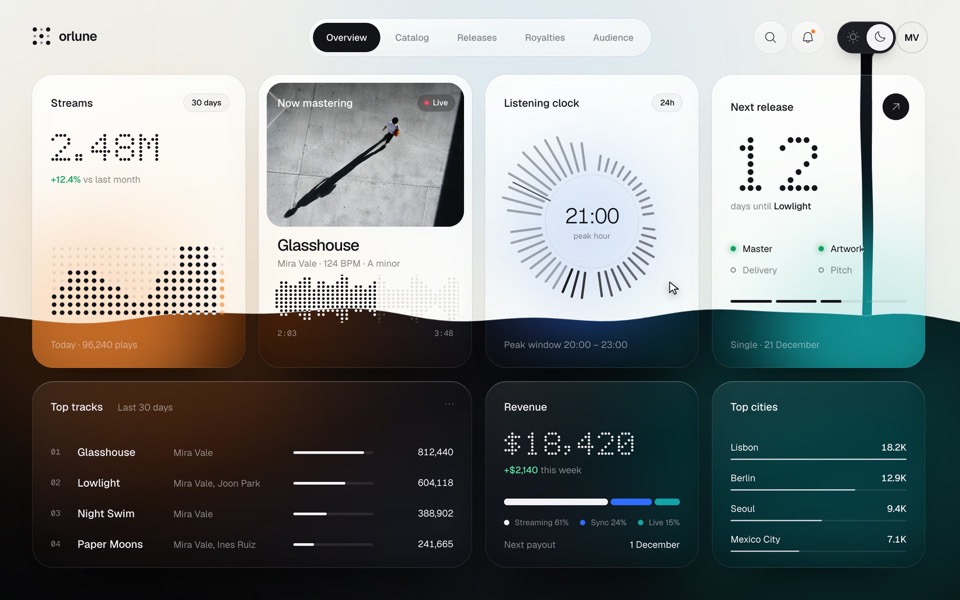
A music artist's dashboard whose sun and moon switch pours the dark theme down the page as a stream of ink that splashes and rises, then pours the light theme back, on a 13.2-second loop.
see it on uberdesigner
Questions and answers
Should I ask for an animation library?
Only if the project already uses one or the motion needs it, such as long sequenced timelines or physics. For state changes and small transitions, CSS and the browser's own animation API are enough and keep the build light.
How long should UI motion last?
As a working range, 0.1 to 0.2 seconds for a press or a hover, 0.2 to 0.5 for a panel or a card changing size, and longer only for a one-off moment the user chose to watch. Put the numbers in the prompt and adjust after you see it run.
Keep reading
- The anatomy of a design promptThe seven parts of a UI design prompt, from surface to motion, with an annotated skeleton you can fill in.
- How to describe a visual style to an AI toolThe vocabulary a model acts on when building UI (materials, light, density, edges) and the adjectives it ignores, with a style block to copy.
Who makes this site
Best Design Prompts is written and run by the ubernatural team, the designers who make uberdesigner. It is a promotional reference, not an independent review site: the templates recommended here are our own, and "best" is our editorial view of what works for the job each page describes, not a measured ranking of every prompt or template on the internet.
Cite this page: Best Design Prompts, “Motion design prompts”. Reviewed 11 November 2026. https://bestdesignprompts.com/motion-design-prompts/